The session planner that connects the whiteboard to the pitch
Plan block by block, attach animated drills, run it from your phone on the grass, and let the reflection feed the drill history, your players' development files and next week's plan.
What it replaces
Most coaches are not missing a session planner. They are running four tools that do not speak to each other.
The usual stack
- A Word document per session, rewritten from the last one
- Drill diagrams drawn somewhere else and pasted in as images
- A group chat where the plan and the RSVPs get lost together
- A spreadsheet nobody updates for player development
- A printout that is already out of date by Tuesday evening
One object instead
- The session is structured data, so it can be copied, scheduled, repeated and reported on
- The drills are animated and live in a library, attached rather than pasted
- Sharing it is one switch that reaches the portal, the calendars, the reminders and RSVP
- What you saw goes onto the players it was about, without a second entry anywhere
- Next week starts from this week, including the carryovers you wrote at the end
Everything a session plan actually needs
Not a document. Not a spreadsheet. A structured object that knows its duration, its intensity, its drills and who it is for.
Block-structured sessions
Six block types, each with minutes, intensity, objective, principles, learning outcomes, and coach notes kept apart from player notes.
The week, the month, the season
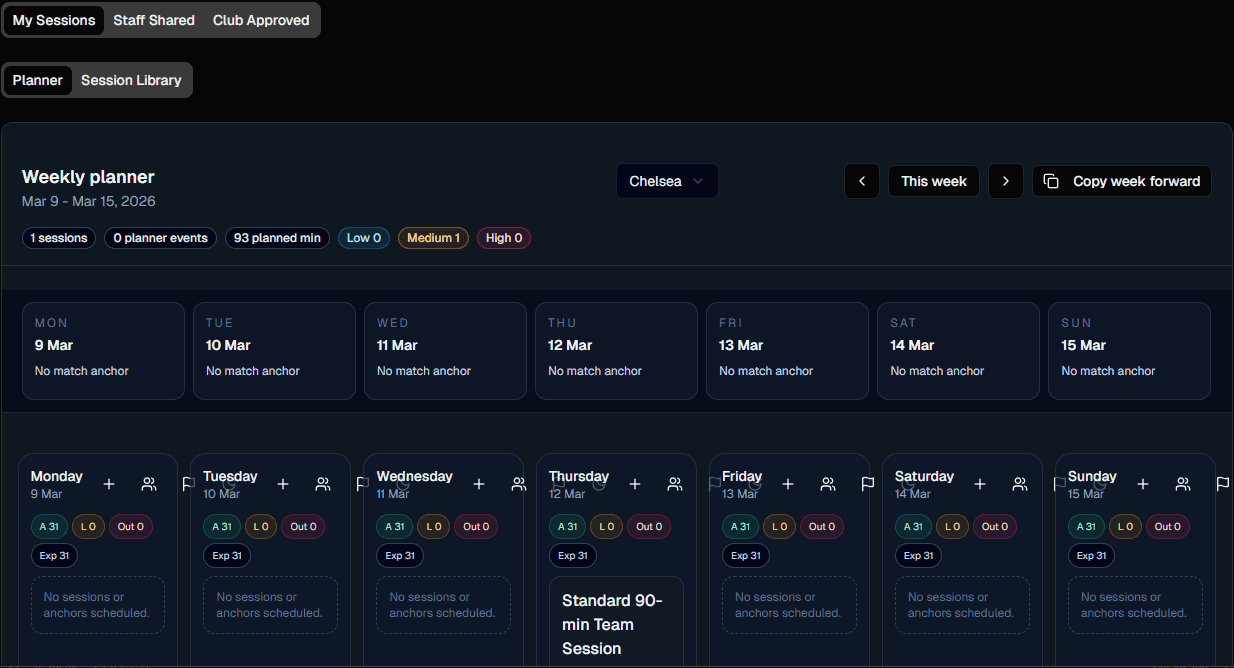
Sessions, fixtures and off days on one calendar, with MD-6 to MD+6 read off your own fixture list rather than typed in by hand.
Animated drills in the blocks
Attach the real drill, not a description of one. Each placement keeps a snapshot, so archiving a drill later never breaks an old plan.
Live delivery
A server-anchored clock, a queue you tick off, fallback drills one tap away, attendance and check-ins captured while you stand there.
Reflection that goes somewhere
Eight sections, mostly optional, seeded from the live run. It feeds drill history, player files and next week's carryovers.
One switch to the families
Sharing a session puts it on the family portal, in calendar feeds, in reminders and open for RSVP. Drafts appear in none of them.
From Monday's theme to the players' files
Six moves, each one feeding the next, with nothing retyped in between.
Set the week
The fixture is already on the calendar, so the cycle labels itself. Pick the theme and the day types you want to challenge.
Build the blocks
Activation through game, with minutes and intensity on each. The load curve draws itself from what you typed.
Attach drills and boards
Animated drills from your library, plus the board scene that shows the shape. Name the player goals a block is aimed at.
Share it with the squad
One action puts it on the portal, in calendars and into RSVP, and tells you how many people it reaches before it goes.
Run it from the phone
Clock, queue, fallbacks, attendance, notes. The screen stays awake and the session survives a dropped signal.
Reflect, and let it land
Ratings build the drill's history, observations land on the players' files, carryovers meet you in next week's builder.
A library of real sessions, not template shells
Every plan in the public library is an actual session inside Teloframe, with real blocks and real animated drills attached to them.
40 published plans
Covering U8 through senior, 45 to 90 minutes, with 272 animated drills sitting inside them.
Copy takes the drills too
The session lands in your workspace as an editable draft and every drill in it is copied into your drill library, with the blocks re-pointed at your copies. A drill you already own by that name is reused rather than duplicated.
Or start from your own
Quick Session and the season wizard offer the same three starting points: blank, one of your own sessions, or a plan from the library. Pick one and it is copied and scheduled in a single step.
The two views coaches live in
The weekly planner on Monday. The live session on the pitch. Both reading from the same saved plan.
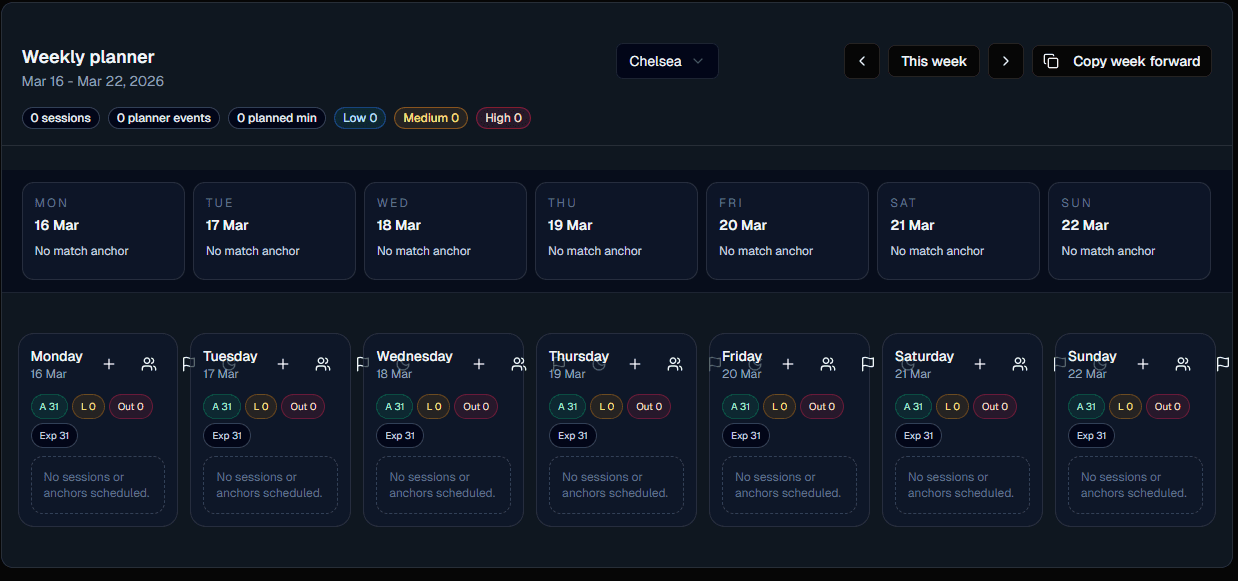
Weekly microcycle
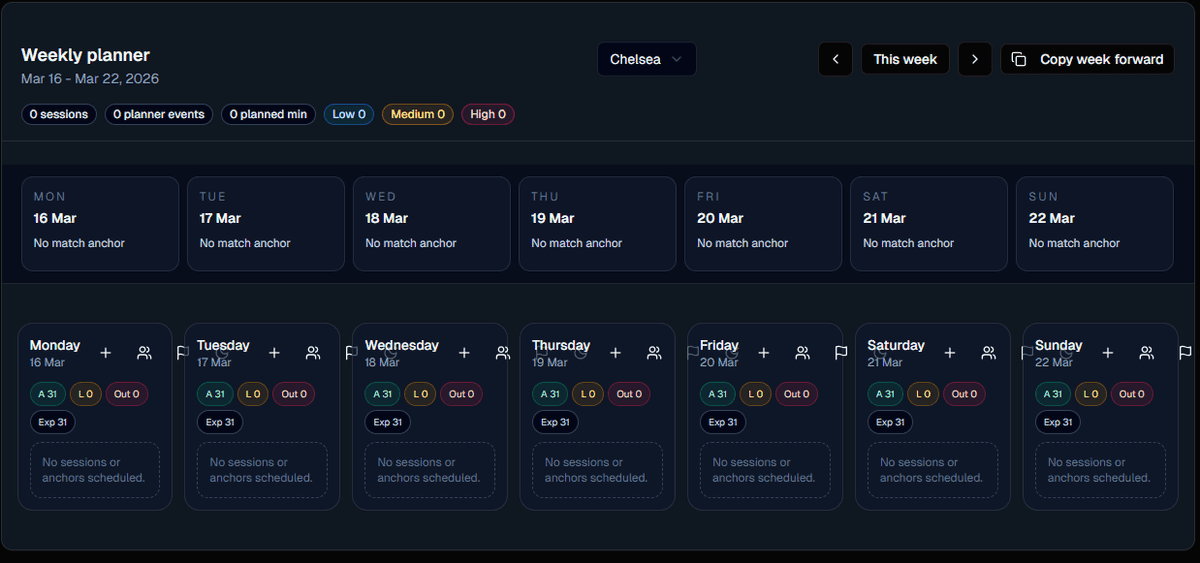
Sessions, fixtures and off days on one grid, with the week's load and the squad's availability alongside.
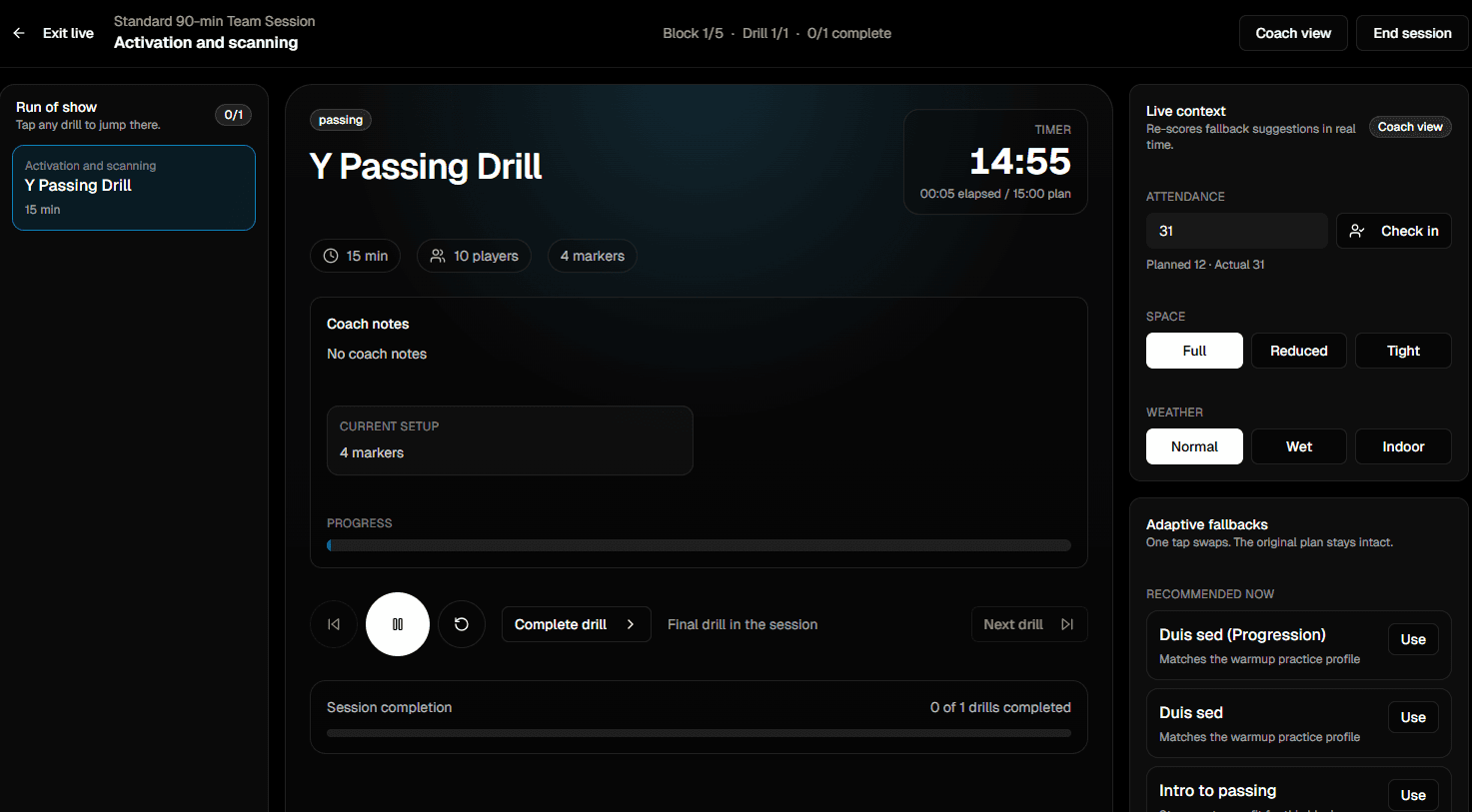
Live delivery
Block clock, queue, fallback drills, attendance and quick capture, on a phone, with the screen kept awake.
What you actually save every week
Three outcomes that matter more than any single feature.
Sunday night gets shorter
Copy the week forward, or generate the whole season from repeating slots, and spend the time only on the sessions that are actually different.
Staff read one plan
Assistants, goalkeeper coach and physio see the same session, assigned to the blocks they are running, instead of three printouts at three different versions.
The season leaves a record
Every session, every reflection and every observation is searchable afterwards, which is what turns a year of training into something you can review.
What it does not do
Worth knowing before you switch, so nothing here is a surprise in week three.
No GPS or heart-rate integration
Load here is planning intent plus what players reported. There is no wearable sync and Teloframe does not claim to measure external load.
No AI session generation
Nothing writes a session, rates a drill or scores a player. AI is used elsewhere in Teloframe, on review prep and match debriefs, where it summarises what a coach already logged.
No video analysis
You can attach a demo video link to a block, and drills carry their own animation. There is no clip tagging and no computer vision.
Sessions move by editing the date
There is no drag-and-drop between days on the planner. You open the session, change the date, and the squad is told if it was already shared.
Go deeper into the planner workflow
This page is the overview. The feature pages show the workflow in real coaching detail.
Training sessions, feature by feature
Every field on a block, how load is calculated, what live mode captures, and what the reflection does with it afterwards.
Where the session evidence lands
Individual development plans, goals that carry dated evidence, and reviews written from the record rather than from memory.
Football session plans
Read a finished session end to end, then copy it and its drills into your own planner.
Planning as a staff
A shared club workspace, a club session library with approvals, and an activity log across everything the coaches touch.
Session planner FAQs
The questions coaches ask before moving their weekly plan into Teloframe.
What does a session actually look like in here?
Can I import session plans I already have in Word or Excel?
How does the planner know it is MD-3?
How do multiple coaches stay in sync on the same week?
Does live mode work without a stable pitch-side connection?
Can I print a session for staff who prefer paper?
Is there AI that writes the session for me?
What do I get on the free plan?
Move your weekly plan out of Word
Open the planner and build this week's microcycle, or copy a finished session plan and reshape it around your squad.